Google Workspace Updates
Google Workspace Updates
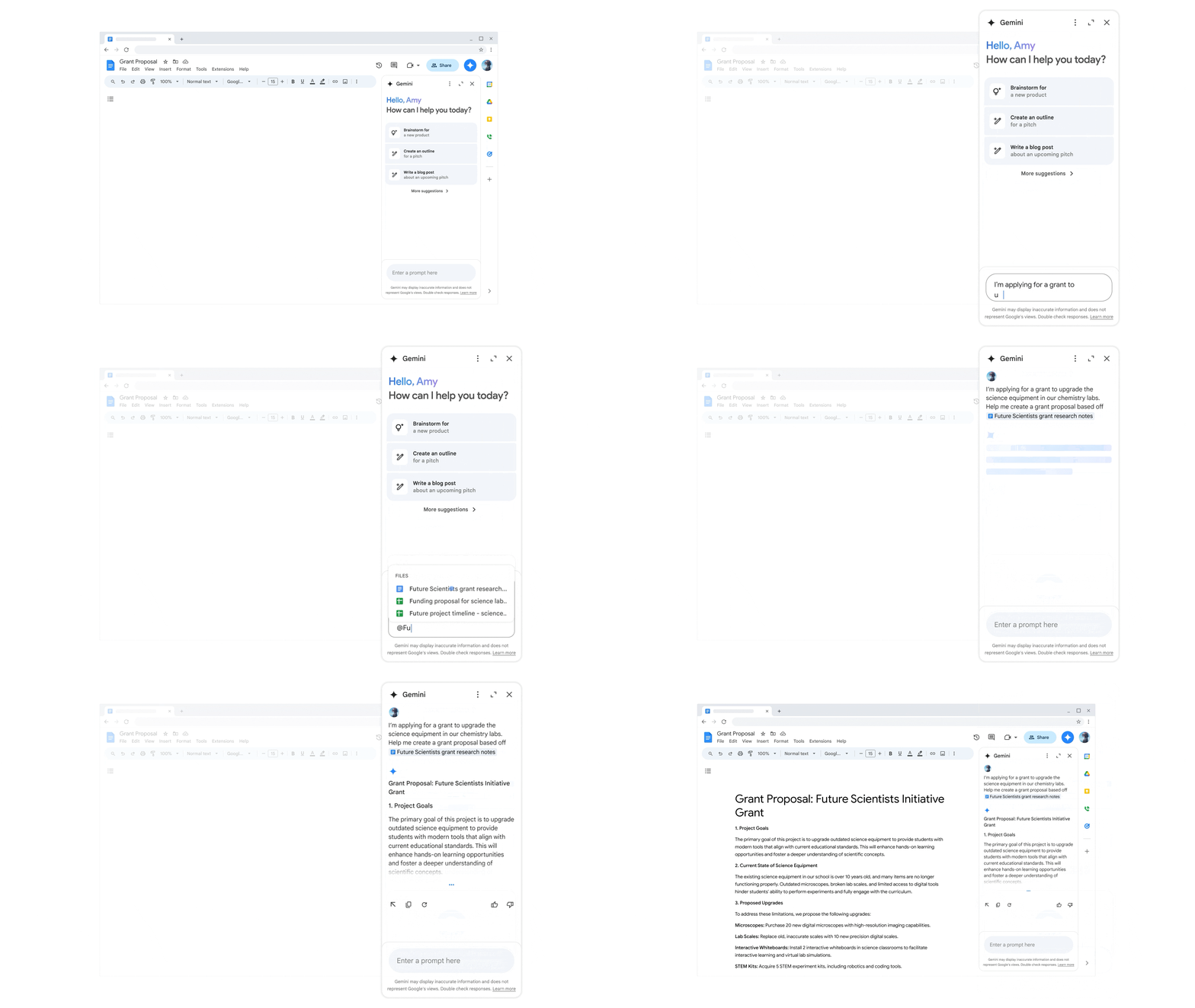
Google is expanding access to Gemini in Google Workspace for Education, bringing AI-powered features directly into your Google Workspace apps. These tools are designed to help streamline work, enhance creativity, and save time within the tools you already use.
With Gemini now integrated across Workspace apps, you can:
- Gmail: Draft emails, summarize long threads, and get AI-powered responses to stay on top of communication (coming soon).
- Docs: Create and refine content using “Help me write” and Gemini in the side panel (now available).
- Slides: Generate presentations and create original images using AI (now available).
- Forms: Quickly build forms and view AI-generated summaries of (now available).
- Sheets: Organize and analyze data with AI-powered functions and insights (coming soon).
To learn more about Gemini features in Google Workspace, visit: Google Workspace with Gemini features.
Availability
- These features will be available for all UNLVMail (@unlv.edu) accounts and Rebelmail accounts (@unlv.nevada.edu) for graduate students.
- Non-graduate Rebelmail users will have access to Gmail features only and may request a Google Workspace for Education Plus license to access additional features at no cost.
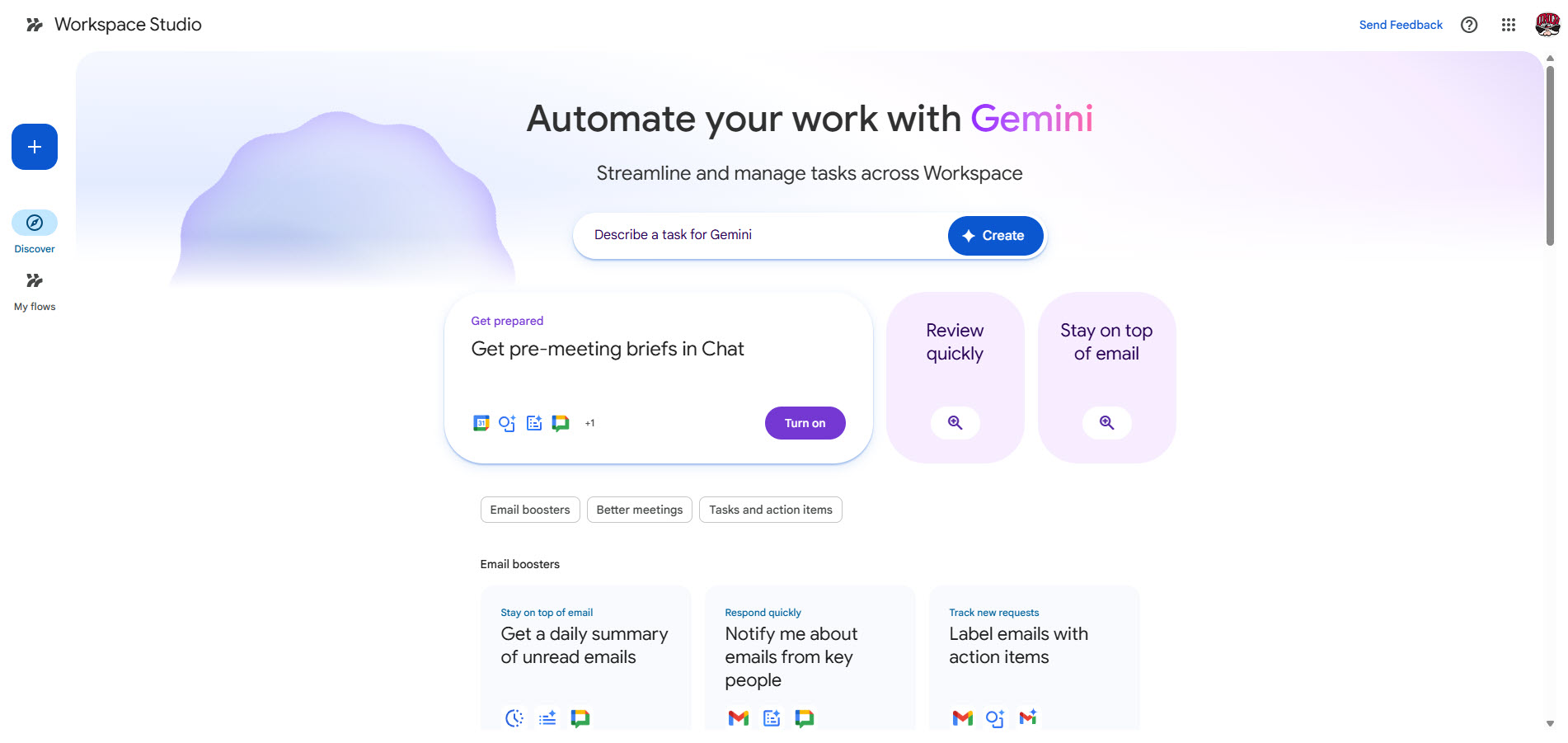
You can now use Google Workspace Studio, a new tool that allows you to build automated workflows across Google Workspace using AI. With Workspace Studio, you can create “flows” that connect apps like Gmail, Drive, Docs, Sheets, and Chat to streamline repetitive tasks and processes. For example, you can:
- Gmail: Automatically save email attachments to Drive or generate summaries of important messages.
- Drive: Organize files by moving or tagging documents based on activity or content.
- Docs: Generate summaries or extract key information from documents for quick review.
- Sheets: Update spreadsheets automatically based on form responses or other triggers.
- Chat: Send notifications to a space when a form is submitted or a file is updated.
Flows can be created from templates, built from scratch, or generated by describing what you want using natural language. This makes it easy to automate tasks without writing code.
Learn more about Google Workspace Studio.
Availability
These features are now available for all UNLVMail (@unlv.edu) and Rebelmail (@unlv.nevada.edu) accounts.
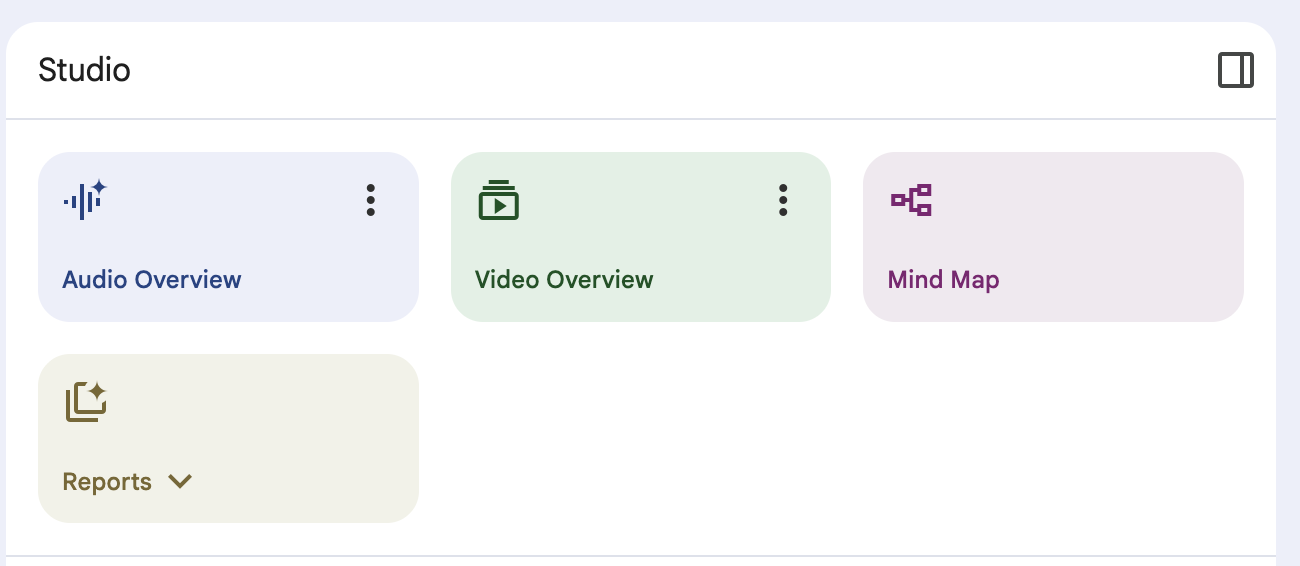
Last year, NotebookLM introduced Audio Overviews, letting you turn your sources into podcast-style study guides. Now, NotebookLM is taking a step further with Video Overviews.
With Video Overviews, you can transform documents, slides, or charts into short, engaging explainer videos narrated by AI. These videos pull in images, diagrams, quotes, and numbers straight from your material, perfect for breaking down complex topics before exams or presentations. You can even customize them to focus on specific topics or goals.
Learn more about Video Overviews.
Availability
These features are now available for all UNLVMail (@unlv.edu) and Rebelmail (@unlv.nevada.edu) accounts.