Tech Tips Help UNLV Instructors Wrap Up The Spring Semester
Tech Tips Help UNLV Instructors Wrap Up The Spring Semester
OIT News
| May 1, 2026 | By Nicole Johnson
Listen to this article
As the spring semester comes to a close, a few quick checks can help instructors save time, support students, and keep everything on track as they wrap up their courses. The End-of-Semester Checklist for Instructors covers the tech essentials, and these extra tips can help ensure a smooth finish to the term.
Check Quiz and Assignment Settings in WebCampus
- Before finals, review time limits, due dates, and availability windows for remaining work.
- Make sure nothing closes early and students can access what they need.
- For exams, consider question shuffling or Respondus LockDown Browser to support academic integrity.
Avoid Submission Mix-Ups in Panopto
- Close old Panopto assignment folders so students upload to the correct course. This helps prevent confusion and misplaced submissions.
Finalize Your Gradebook
- Enter all grades in WebCampus before the final grade submission deadline.
- Keep your gradebook up to date so students can see where they stand before finals.
- Postfinal grades promptly in WebCampus to reduce confusion and questions.
Make Accessibility Improvements Now
- Run the Ally accessibility checker in WebCampus to find issues in course files.
- Use the Course Accessibility Report to see your overall score and prioritized fixes.
- Make small updates like adding alt text and clear headings to improve access for all students and save time when reusing materials.
ACE Account Access Reminder
- If you’re getting a new phone, set up Okta Verify on a secondary device before trading your old phone in to ensure you can still access your ACE account.
Get Help
- WebCampus and Panopto: Book a consultation or visit the Get Help page.
- Accessibility: Contact the Office of Accessibility Resources.
- Other campus technology (Respondus, ACE login, WiFi): Contact the IT Help Desk.
Related Articles

Cybersecurity
|
OIT News
Defending Your Turf: Your Defensive Playbook Against the New Cyber Playing Field
Cybercriminals are changing up their playbook with malicious QR codes and deepfakes. Here are ways to protect yourself and your teammates.
OIT News
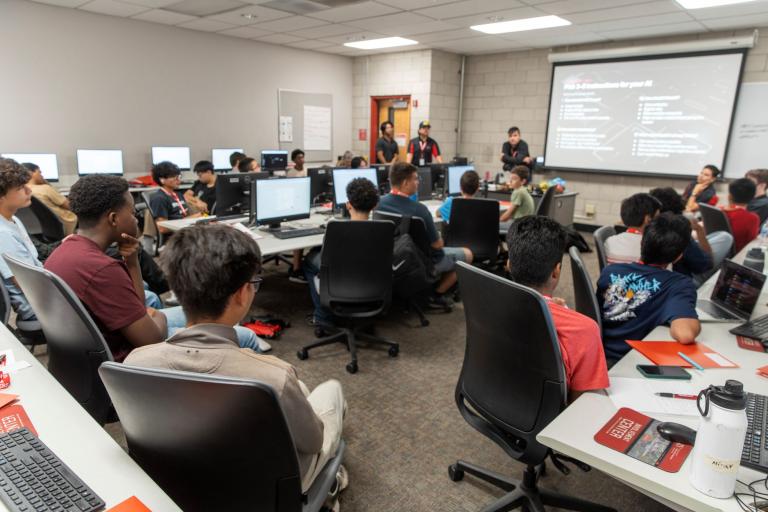
Las Vegas Students Learn to Create Tools and Solve Problems with AI at UNLV
UNLV’s AI Explorers Camp gave 25 middle and high school students hands-on experience with artificial intelligence and plans to expand next summer.

OIT News
What UNLV Faculty and Staff Should Do Before Fall Semester Begins
From eduroam WiFi to WebCampus, here’s what to check to get you ready for the first day of the semester.