What UNLV Faculty and Staff Should Do Before Fall Semester Begins
What UNLV Faculty and Staff Should Do Before Fall Semester Begins

Listen to this article
Whether you're teaching, supporting students, or helping campus operations run smoothly, now is the time to prepare for the start of the semester. Taking care of a few technology tasks before classes begin can help ensure you're ready for day one.
Here's How To Get Ready
Make sure you can sign into your account
Got a new phone? Can’t access your usual security method? You can reset your multifactor authentication (MFA) yourself and regain access to your ACE account without contacting the IT Help Desk. While you're there, make sure you have at least one backup verification method so you can still sign in if your primary method isn't available.
Connect to campus WiFi
Re-enroll in or set up eduroam WiFi on your phone and laptop before the first day of the semester. After it’s set up, your device will automatically connect to eduroam whenever you’re on campus.
Review your teaching schedule (Instructors)
Log in to MyUNLV to review your fall schedule before the start of the semester. Knowing where you're going before your first class can make everything easier.
Prepare your WebCampus courses (Instructors)
Review the WebCampus Instructor Start of the Semester Checklist to ensure your WebCampus course is ready for the start of the semester. Before publishing, run the built-in Ally accessibility checker to identify and address any accessibility issues.
Test your classroom technology (Instructors)
Before the semester begins, visit your classrooms to test the lectern computer, audio, software, and any other technology you plan to use. If you encounter any issues or need help, contact the Classroom Technology Services team.
Don’t forget your RebelCard
Use your RebelCard to access the buildings where you work and teach. It's your official UNLV ID and can also be used for campus dining and other campus facilities.
Get Tech Help When You Need It
If you need help with campus technology, the IT Help Desk is here to assist you.
- Find quick answers in the IT knowledge base.
- Chat live with an IT support agent using the Scarlet chatbot.
- Submit an IT support ticket.
- Visit or contact the IT Help Desk directly.
More information about these support options is available on the IT Help Desk webpage. Visit the Faculty/Staff webpage on UNLV's IT site for more tips and resources to help you get ready for the new semester.
Related Articles

Defending Your Turf: Your Defensive Playbook Against the New Cyber Playing Field
Cybercriminals are changing up their playbook with malicious QR codes and deepfakes. Here are ways to protect yourself and your teammates.
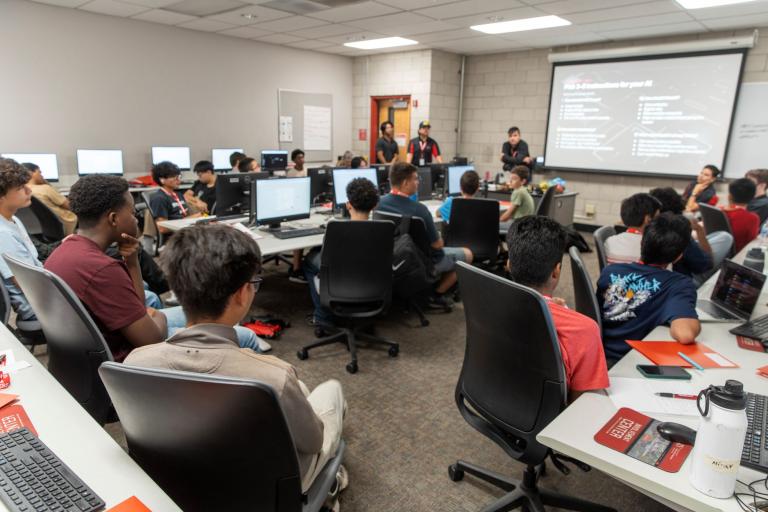
Las Vegas Students Learn to Create Tools and Solve Problems with AI at UNLV
UNLV’s AI Explorers Camp gave 25 middle and high school students hands-on experience with artificial intelligence and plans to expand next summer.
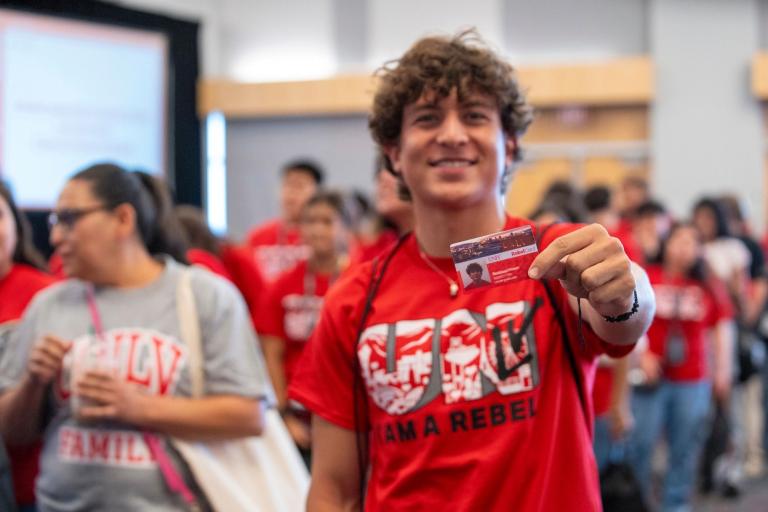
6 Things UNLV Students Need To Do Before Fall Classes Begin
Check your class schedule, connect to eduroam WiFi, and learn about new campus technology.