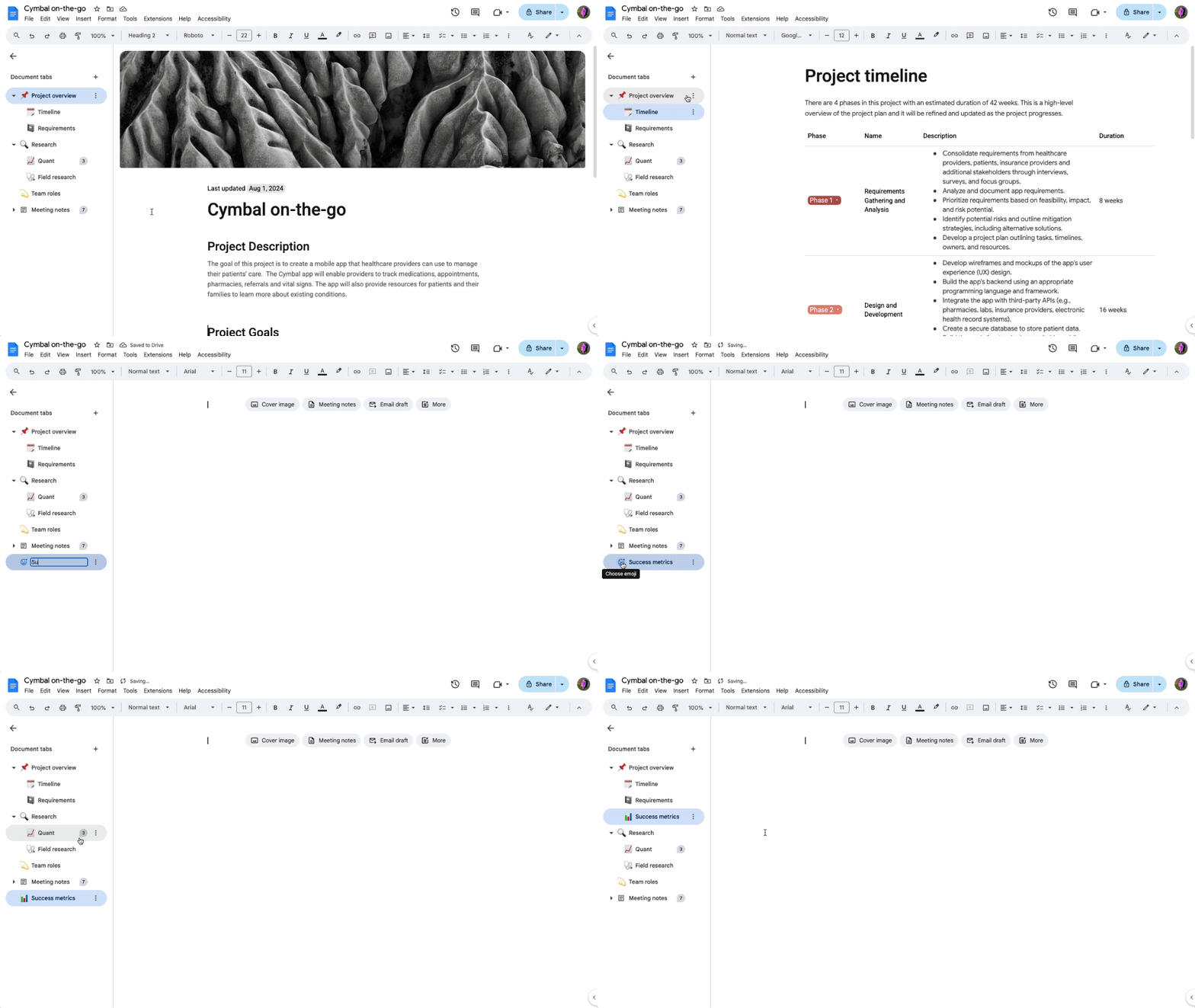
You can now create and manage tabs in Google Docs to better organize your documents.
To create a tab, open the left panel, at the top left, click Show tabs and outlines 
To add a subtab, click Tab options 

Availability
This feature is now available for all UNLVMail (@unlv.edu) and Rebelmail (@unlv.nevada.edu) accounts.
Learn more about Using Tabs in Google Docs.