Technology Loan Program
Helping bridge the technology gap with laptops enrolled students can borrow for the whole semester.
TLP Office Location
Available Laptops
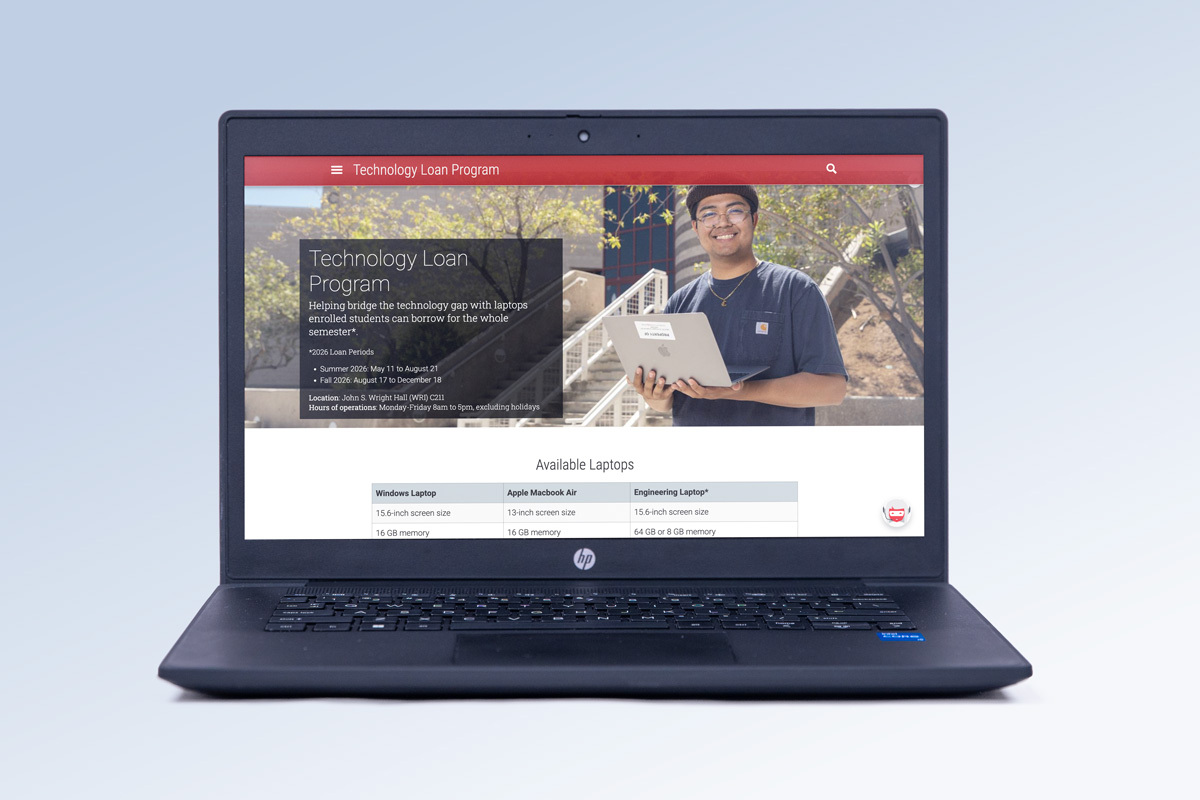
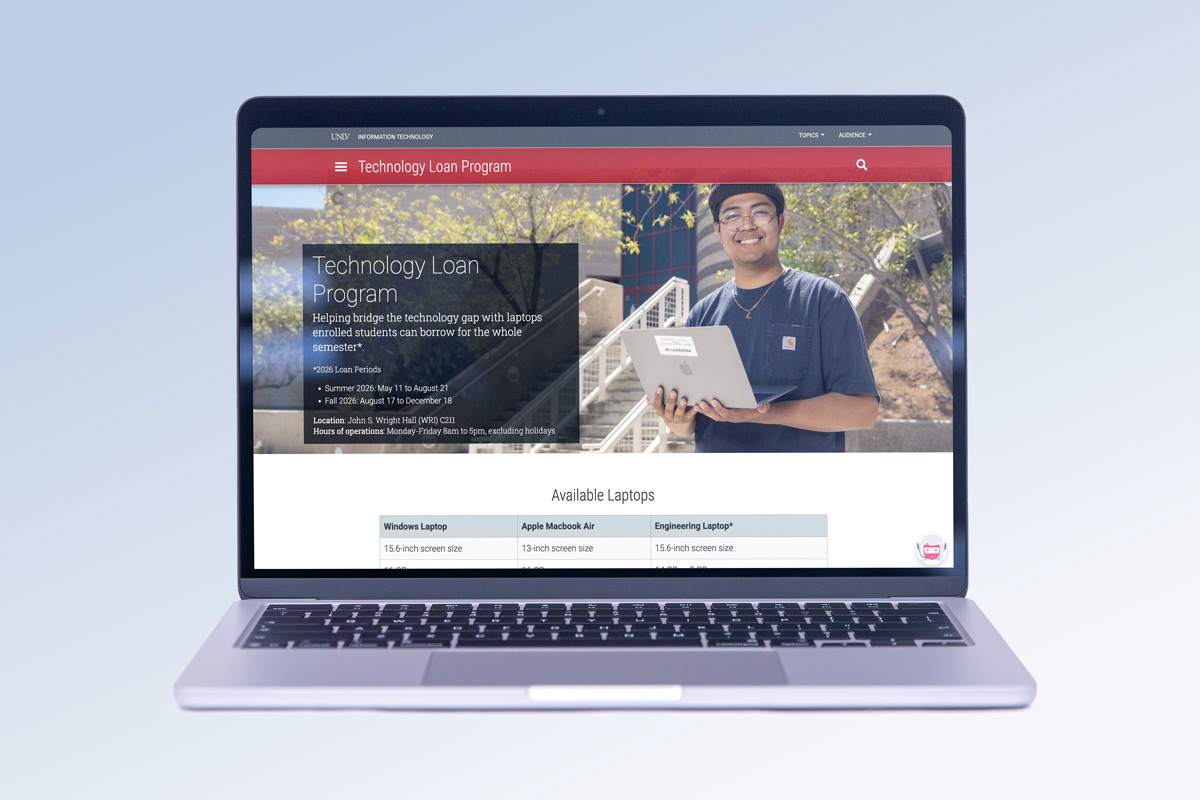
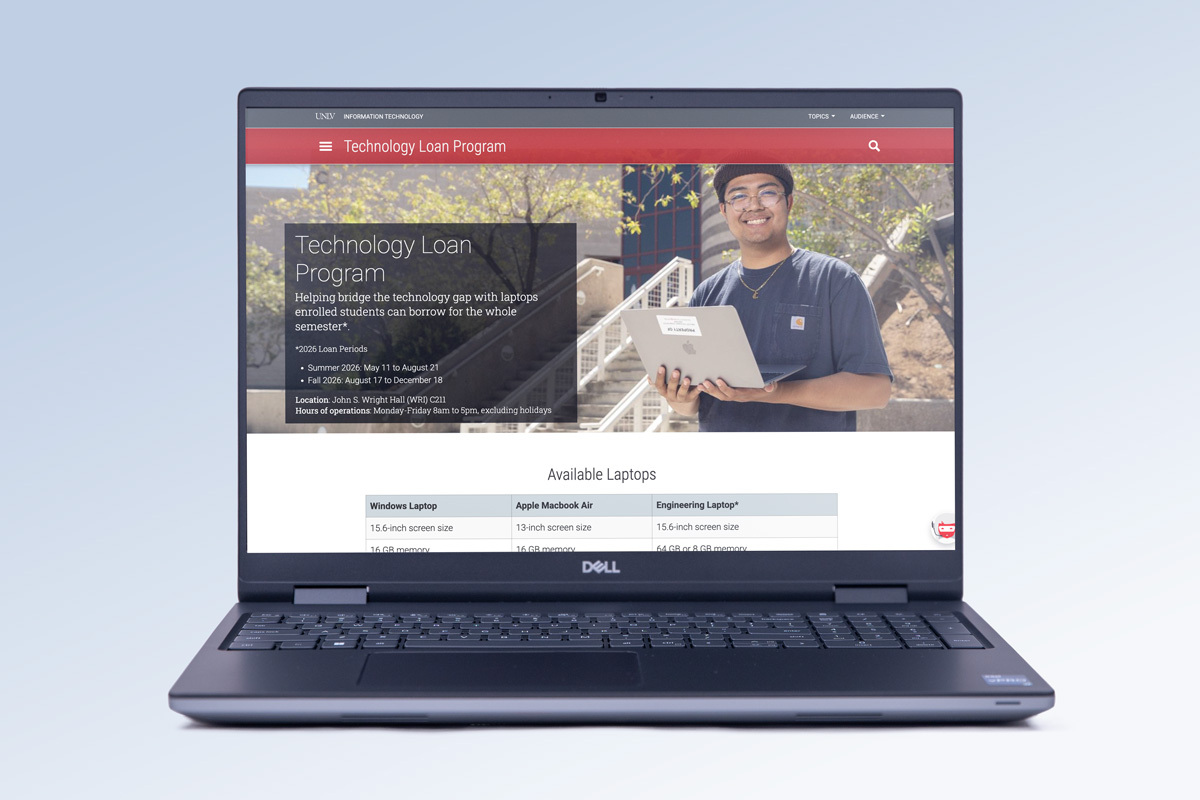
*Optionally available to Sophomore or higher Engineering students
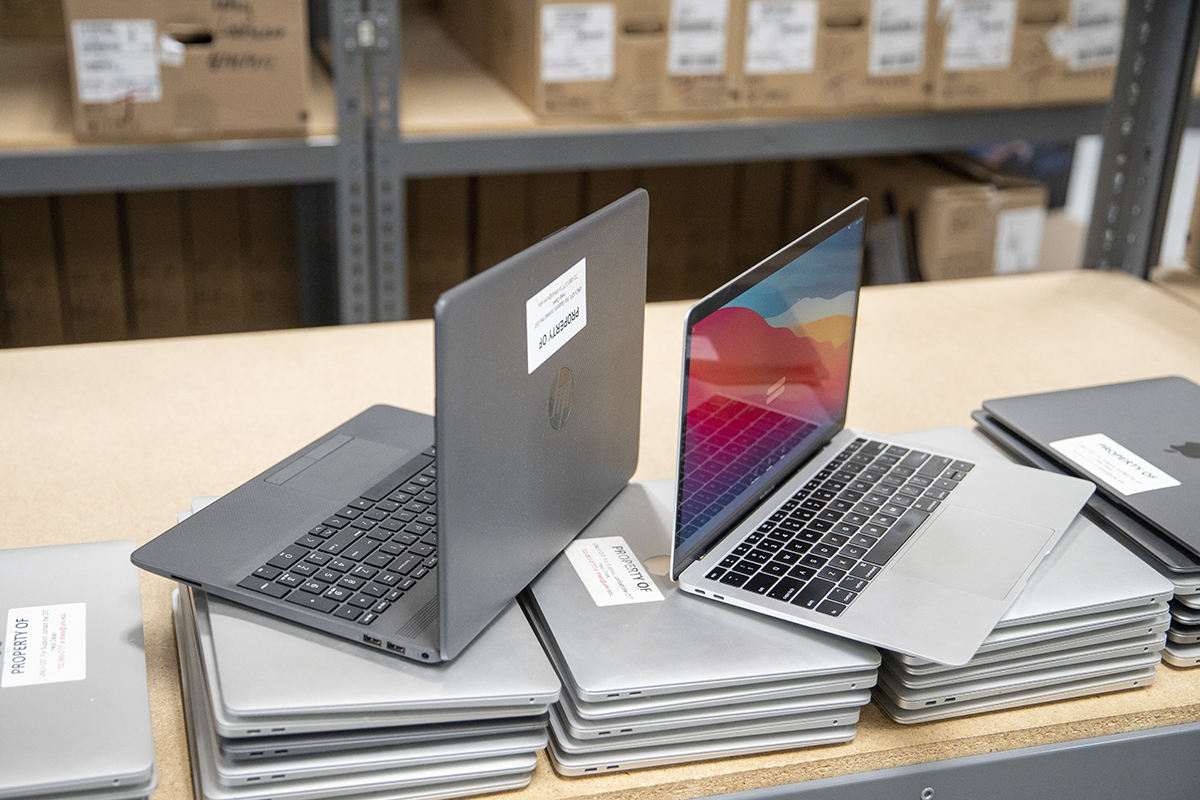
Apps & Equipment Included
Laptops come with applications already installed, so you can kickstart learning, get organized, and complete assignments. Devices also include a power adapter and cable.
View instructions to connect to eduroam WiFi and learn about applications on the device in the guide on the laptop’s desktop.
Get temporary admin access to set up eduroam WiFi, download software, and add printers with MakeMeAdmin.
Remotely access software you need for class using RebelApps or download discounted software to the laptop.
Access RebelApps off campus using the virtual private network.
Access Assistive Technology
Students with disabilities can request screen readers and other assistive technology from the Disability Resource Center.
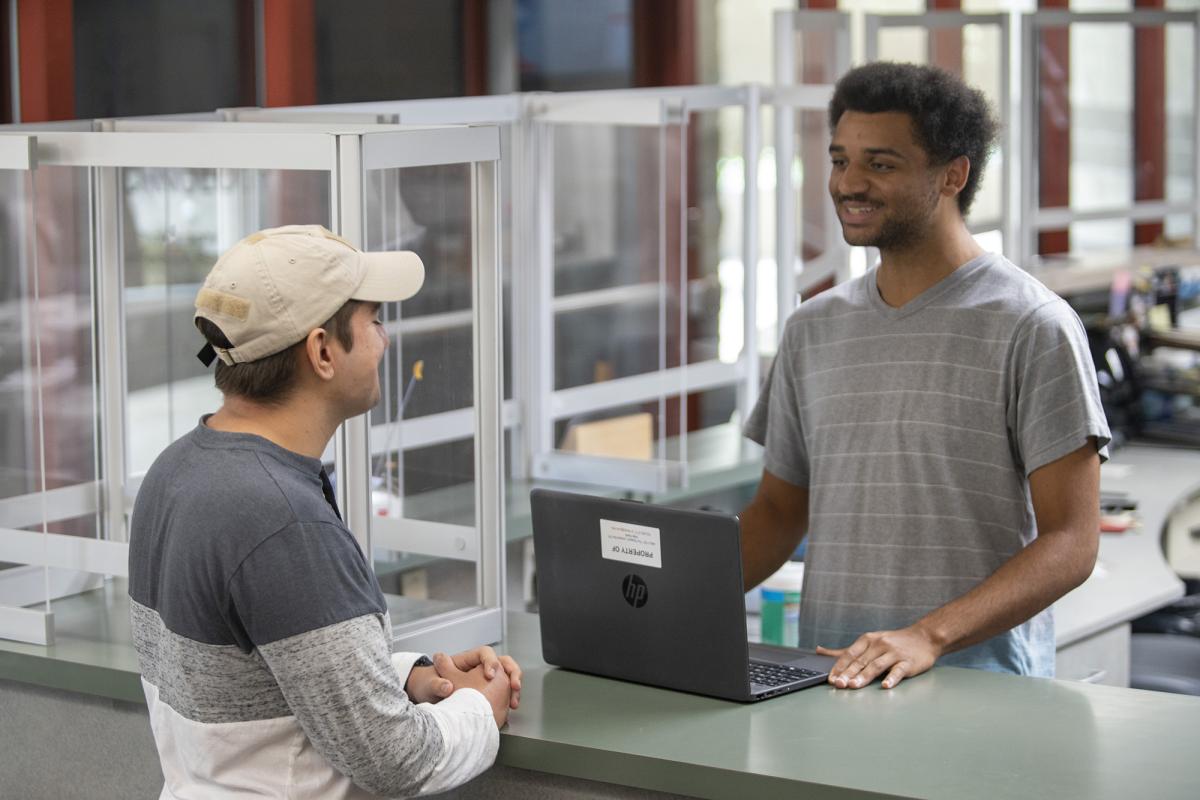
Return Laptop
- Check your Rebelmail towards the end of the semester for reminders from the Laptop Loan Program to return the device so it gets the care and maintenance it needs.
- Save any files to your Google Drive or another storage option. We will permanently erase everything on the laptop.
- Return the device to the dropoff location in WRI C211. You can mail the laptop back if you are unable to come to campus.
- Check your Rebelmail for an email confirmation from the Laptop Loan Program that the device was returned.
If you need to borrow the laptop for a longer period, let us know so we can work with you to accommodate your request.